.png)
How Automated Thematic Coding for Product Teams Speeds Decisions
Introduction
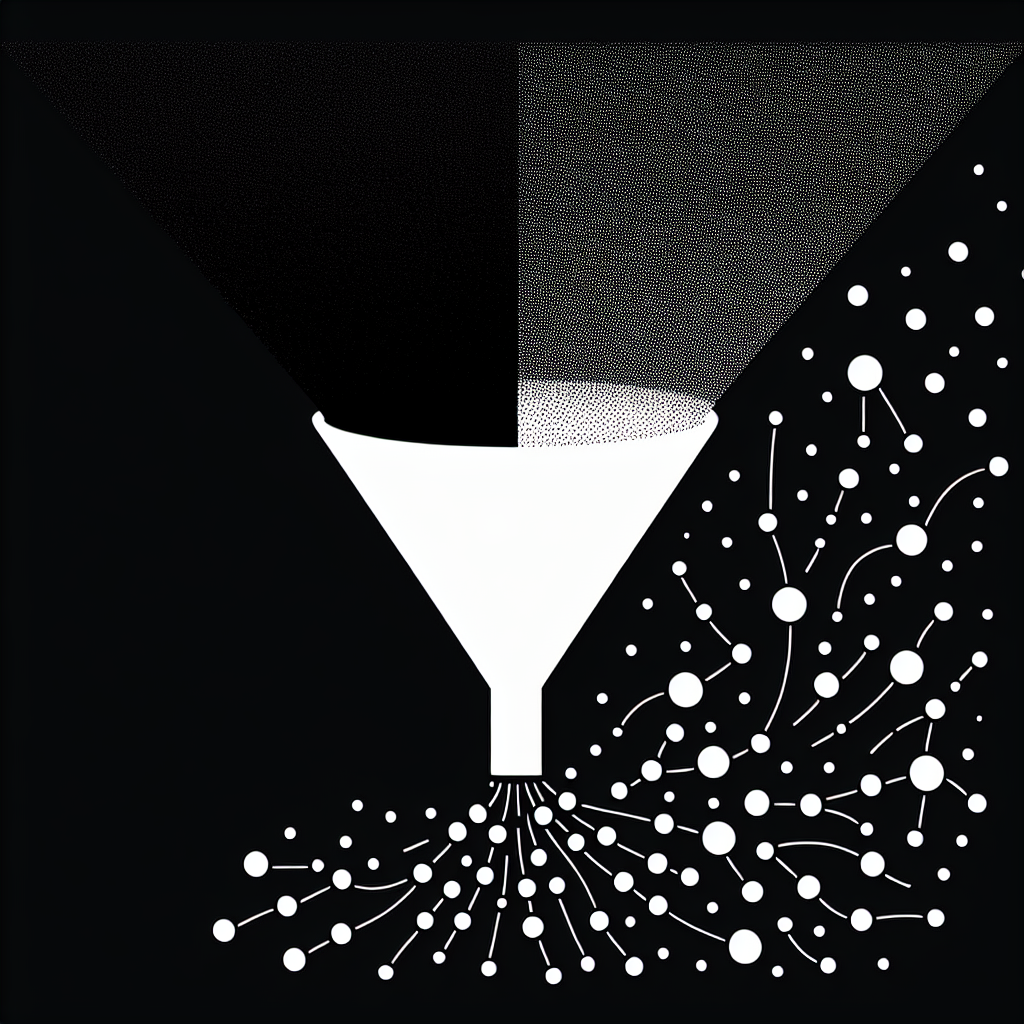
Automated thematic coding for product teams is the use of AI to automatically group qualitative feedback into meaningful themes that product managers can act on. Instead of manually reading thousands of comments, teams get an always-on view of what users are saying and how it’s changing over time.
Imagine pulling in NPS comments, support tickets, and app reviews on Monday and having a clear, prioritized list of user problems ready for sprint planning on Tuesday. You can see which themes are spiking after a new release, which pain points are tied to churn, and which feature requests are coming from your highest-value customers. For a B2B SaaS team, that might mean instantly spotting that onboarding confusion is concentrated among enterprise accounts; for a consumer app, it might reveal that recent 1-star reviews are mostly about performance on older Android devices.
In other words, automated thematic coding for product teams turns a noisy wall of text into a structured, searchable map of user needs that can plug directly into discovery, prioritization, and experimentation.
The Challenge
Most product teams are drowning in qualitative data but starved for clear, trusted insights. Manual coding and ad-hoc spreadsheets can’t keep up with the volume or the pace of modern product development.
Common pain points include:
- Hours or days spent manually tagging survey responses and interview notes
- Inconsistent codes across projects, teams, and tools
- Insights that arrive too late to influence roadmaps or experiments
- No easy way to connect themes to metrics like churn, NPS, or activation
On a typical week, a growth PM might skim a few dozen support tickets, glance at app-store reviews, and read a handful of interview summaries. But hundreds or thousands of other comments never get read, let alone coded. As a result, decisions often default to loudest opinions or a handful of anecdotes instead of a systematic view of user feedback.
Many teams try to patch this with one-off analyses or static codebooks, but those quickly become outdated. A researcher might build a beautiful taxonomy for one project, only for it to be abandoned when the next quarter’s priorities shift. Approaches like AI-supported thematic analysis help, yet without automation and integration, they still struggle to scale across all the feedback channels product teams rely on.
A common scenario: a team launches a new onboarding flow, runs a survey, and manually codes the first wave of responses. Two months later, the product has changed, the codebook no longer fits, and nobody has time to recode everything. The result is a fragmented picture of the user experience and missed opportunities to catch issues early.
How InsightLab Solves the Problem
After understanding these challenges, InsightLab solves them by turning qualitative feedback into a continuous, automated insight pipeline tailored for product teams.
With InsightLab, you can:
- Centralize feedback from surveys, support tools, app reviews, interviews, and community channels in one place
- Run automated first-pass coding that groups similar comments into themes aligned to product areas and KPIs
- Maintain a living, evolving theme system instead of static codebooks
- Drill down from high-level themes to sub-themes and raw verbatims for context
For example, a product-led SaaS company can pipe in data from tools like Zendesk, Typeform, and in-app feedback widgets, then let InsightLab automatically cluster comments into themes such as “billing confusion,” “onboarding friction,” or “performance issues.” Product managers can quickly filter by segment (e.g., trial users vs. paying customers) and see which themes are most associated with churn or low NPS.
InsightLab’s automated thematic coding for product teams is designed to augment human judgment, not replace it: researchers and PMs can refine themes, merge or split categories, and align everything with strategy while the AI handles the heavy lifting. You might start with AI-generated themes, then rename them in your own language (e.g., “Activation: First Value” instead of “onboarding confusion”) and map them to your existing OKRs.
Teams using InsightLab often build recurring rituals around this pipeline: a weekly “voice of the customer” review, a monthly deep dive on a specific theme, or a pre-mortem for major launches that pulls in historical feedback on similar features. Because the system is always on, you’re never starting from scratch.
Key Benefits & ROI
Automating thematic coding with InsightLab delivers measurable impact across speed, quality, and collaboration.
- Save hours or days per study by letting AI handle repetitive coding work, so teams focus on interpretation and decisions.
- Improve consistency and reduce coder drift by applying the same theme system across surveys, interviews, and support data.
- Connect themes to outcomes like churn, NPS, and activation to prioritize work by impact, not just volume.
- Turn qualitative data into clear visualizations and dashboards, similar to the workflows described in qualitative data visualization tools.
- Strengthen cross-functional alignment by giving product, design, and leadership a shared, always-updated view of user problems.
In practice, this might look like a PM opening InsightLab on Monday and seeing a dashboard that highlights:
- Top 5 themes driving low NPS this week
- New or emerging themes since the last release
- Direct links to representative verbatims for each theme
From there, they can create Jira tickets, update a Notion discovery doc, or share a quick Loom walkthrough with stakeholders. Instead of spending a week coding responses, they spend an hour making decisions.
Recent industry research from organizations like Gartner and McKinsey indicates that automation can significantly improve research efficiency and decision speed—InsightLab brings those gains directly into your product discovery and delivery cycles. Combined with modern product analytics and experimentation platforms, automated thematic coding for product teams becomes a force multiplier: you can see not just what users do, but why they do it, at scale.
How to Get Started
- Sign up for InsightLab and connect your existing feedback sources, such as survey tools, support platforms, and research repositories.
- Import open-ended responses, interview transcripts, and historical feedback so InsightLab can run automated first-pass coding.
- Review and refine the suggested themes, aligning them with your product areas, KPIs, and existing research frameworks.
- Share automated weekly or monthly insight reports with your product, design, and leadership teams to inform roadmaps and experiments.
A simple starting playbook:
- Pick one high-impact journey (e.g., onboarding or billing) and pull in all related feedback from the last 3–6 months.
- Let InsightLab auto-code the data, then spend 30–60 minutes reviewing the top themes with a PM and a researcher.
- Create 2–3 concrete bets (e.g., “Reduce confusion in step 2 of onboarding”) directly tied to the highest-impact themes.
- Track changes over time by watching how those themes move after you ship improvements.
Pro tip: Start with one high-impact use case—like analyzing churn-related feedback or post-release surveys—then expand your automated workflows as your team builds trust in the system. Many teams begin with NPS comments, then add support tickets, then layer in user interview transcripts once they see that automated thematic coding for product teams is producing reliable, actionable patterns.
Conclusion
Automated thematic coding for product teams turns messy, fragmented feedback into a living, always-on insight engine that directly supports better product decisions. By combining AI-powered coding with human judgment, InsightLab helps you move from anecdote-driven debates to evidence-backed roadmaps at the speed your users expect.
Instead of asking, “What are users saying?” at the end of a quarter, you can answer, “Here are the top themes that changed this week, and here’s how they connect to our KPIs.” That shift—from reactive reporting to proactive insight ops—is what separates teams that guess from teams that learn.
Get started with InsightLab today and see how automated thematic coding for product teams can compress your feedback-to-decision cycle from weeks to days.
FAQ
What is automated thematic coding for product teams?
Automated thematic coding for product teams is the use of AI to categorize qualitative feedback into themes without manual tagging. It helps product managers and researchers quickly see patterns across surveys, support tickets, and interviews. Instead of building a new codebook for every project, you maintain a living theme system that updates as new data flows in.
How does InsightLab perform automated thematic coding?
InsightLab ingests your qualitative data, applies AI models to assign response-level codes, and groups them into higher-level themes. You can then refine those themes, connect them to metrics, and share dashboards with stakeholders. For example, you might filter to “users who churned last month” and instantly see which themes—such as “missing integrations” or “pricing confusion”—show up most often.
Can automated thematic coding replace human researchers?
No. Automated thematic coding is designed to augment researchers and product teams, not replace them. AI handles volume and repetition, while humans interpret nuance, set priorities, and tie themes to strategy. Best practice is to regularly spot-check coded responses, adjust theme definitions, and ensure that the language used in themes matches how your organization talks about customer problems.
Why is automated thematic coding important for product teams?
Automated thematic coding for product teams is important because it turns scattered feedback into a continuous, structured insight stream. This enables faster, more confident decisions and ensures user voices are consistently reflected in product roadmaps. When themes are linked to metrics like churn, NPS, and activation, product leaders can prioritize work based on impact, not just intuition, and keep a clear, auditable trail from user feedback to shipped features.

