.png)
InsightLab vs. Otter.ai: Moving Beyond Just Transcription
Introduction
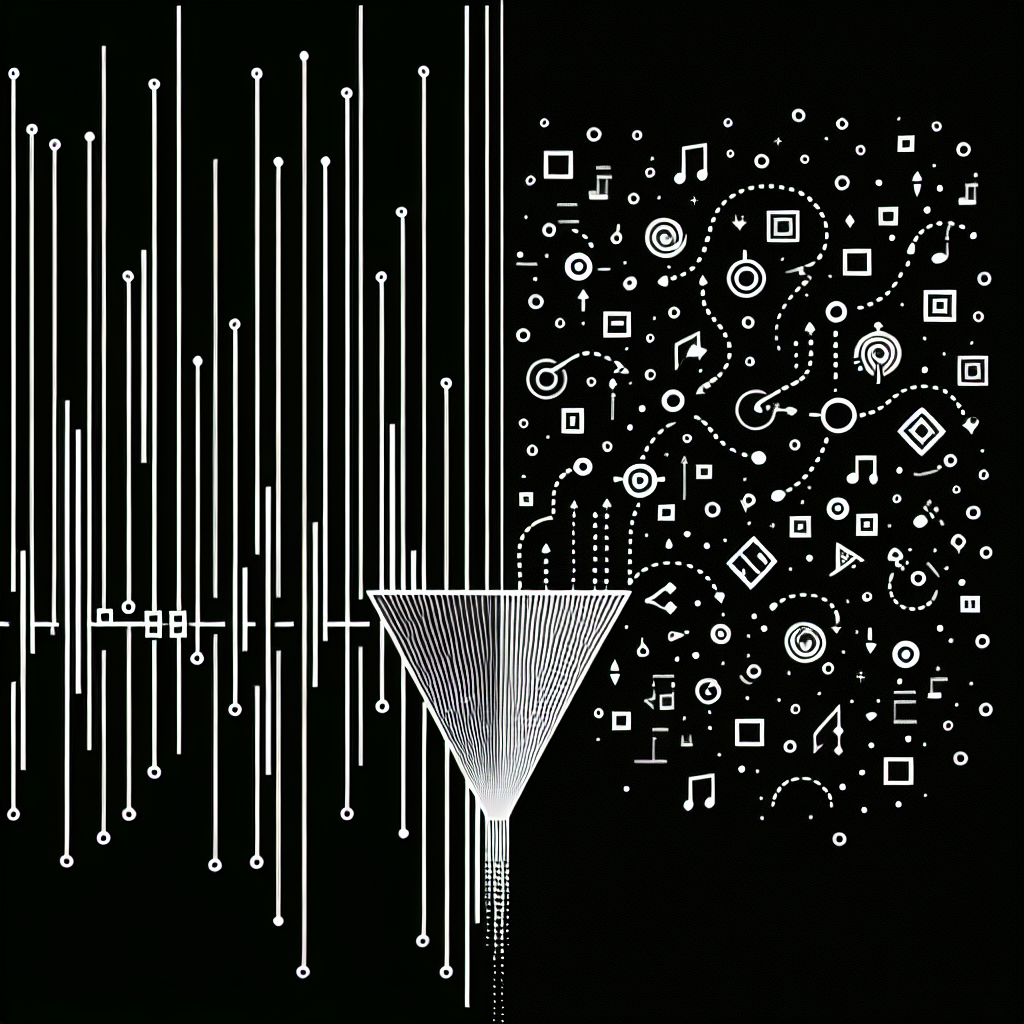
InsightLab vs. Otter.ai: Moving Beyond Just Transcription is ultimately about one question: do you need meeting notes, or do you need reusable insights? Transcription tools capture what was said, but they rarely explain what it means, how it’s changing over time, or what to do next.
For market researchers, user researchers, and product teams, this gap shows up as hours spent combing through Otter exports, copy-pasting quotes into slides, and manually tagging themes. One week of interviews or customer calls can easily turn into a month of analysis.
In many organizations, this looks like a product manager recording discovery calls in Zoom, letting Otter.ai generate live notes, and then exporting everything into Google Docs or Notion. The transcript exists, but someone still has to read every line, highlight key quotes, and guess which themes matter most. By the time a deck is ready for stakeholders, the next sprint has already started.
The explosion of tools like Otter.ai, OpenAI Whisper, and built-in Zoom or Google Meet transcription has solved the problem of getting from audio to text. What it hasn’t solved is the harder, more strategic problem: turning that text into a reliable, repeatable source of insight that can guide roadmaps, CX initiatives, and research priorities. That’s where InsightLab vs. Otter.ai: Moving Beyond Just Transcription becomes a critical distinction.
The Challenge
Transcripts alone don’t answer stakeholder questions like “What’s driving churn?” or “Which pain points are trending up this quarter?” They simply move the problem from audio to text.
Common challenges include:
- Massive transcripts that still require manual coding and synthesis
- Fragmented data across tools, projects, and teams
- No easy way to compare themes, sentiment, or action items across time
In practice, this looks like downloading Otter transcripts, dropping them into spreadsheets or docs, hand-tagging comments, and then manually building reports. It’s slow, inconsistent, and hard to repeat at scale.
A UX researcher might run 15 usability sessions, record them with Otter.ai, and then spend days color-coding cells in Excel just to answer a simple question like, “Which onboarding steps confuse new users most?” A CX leader might export hundreds of support call transcripts from Otter, only to realize there’s no straightforward way to see which issues are growing fastest month over month.
Even when teams try to standardize their process with templates in tools like Airtable or Notion, the underlying work is still manual: reading, tagging, counting, and summarizing. Different researchers use different labels, so comparing one project to another becomes guesswork. The result is an “insights gap” where organizations have more transcripts than ever, but still struggle to connect those conversations to clear, data-backed decisions.
How InsightLab Solves the Problem
After understanding these challenges, InsightLab solves them by turning any transcript—whether from Otter or another recorder—into a structured, searchable insight dataset.
Instead of stopping at text, InsightLab applies AI-driven qualitative analysis so you can:
- Import transcripts, survey responses, and interview notes into a single hub
- Automatically code comments into themes, sub-themes, and sentiment
- Search across all conversations for specific action items, objections, or feature requests
- Track how topics and emotions shift over weeks or months
This is where InsightLab vs. Otter.ai: Moving Beyond Just Transcription becomes clear: Otter is great for capturing words; InsightLab is built for extracting meaning and making it reusable across research, product, and CX.
For example, a product team can keep using Otter.ai for live meeting capture, then send those transcripts into InsightLab alongside NPS verbatims from a survey tool like Typeform or Google Forms. Within minutes, InsightLab clusters feedback into themes such as onboarding friction, pricing confusion, or missing integrations, and surfaces which themes are growing, which are shrinking, and how sentiment is shifting.
Because InsightLab is transcription-agnostic, it can ingest text from Otter, Zoom, Microsoft Teams, or even locally run engines like Whisper. That means you don’t have to standardize on a single recorder to standardize your analysis. InsightLab becomes the shared layer where all qualitative data is coded, compared, and turned into decision-ready narratives.
If you want to go deeper into how AI transforms qualitative workflows, see how AI tools for qualitative research analysis are reshaping modern research teams.
Key Benefits & ROI
When transcripts flow into InsightLab, the bottleneck shifts from manual coding to automated, repeatable insight generation.
Key benefits include:
- Faster analysis cycles: Industry studies indicate that automating coding and synthesis can cut qualitative analysis time by 50% or more, freeing researchers to focus on interpretation and storytelling. A research lead who once needed three weeks to code 300 interviews can now get a first-pass thematic map in a single afternoon.
- More consistent coding: Automated thematic coding reduces human inconsistency and makes it easier to compare results across projects and time periods. Instead of each researcher inventing their own tags in spreadsheets or Notion, InsightLab applies a shared taxonomy that can be refined over time.
- Deeper visibility across datasets: Instead of analyzing one meeting at a time, you can see patterns across hundreds of interviews, surveys, and support conversations. A CX team can, for instance, combine Otter.ai call transcripts with open-ended survey responses from tools like SurveyMonkey to see which pain points appear in both channels.
- Always-on reporting: Automated dashboards and recurring summaries keep product and leadership teams aligned without manual slide-building. Weekly or monthly “Voice of Customer” digests can be generated directly from InsightLab, replacing hours spent in PowerPoint.
- Better decisions, sooner: By shortening the path from transcript to insight, teams can ship improvements faster and validate decisions with real customer language. Instead of debating opinions in roadmap meetings, leaders can pull up InsightLab dashboards and anchor discussions in actual quotes and quantified themes.
To understand how this fits into broader research workflows, explore modern approaches to research analysis workflows that rely on automation instead of manual tagging.
Actionable tip: Pick one recurring meeting type—such as weekly sales calls or monthly customer advisory boards—record with Otter.ai, then route those transcripts into InsightLab for three consecutive cycles. Compare the time you spend on reporting before and after; most teams see a clear reduction in manual effort and a noticeable increase in insight depth.
How to Get Started
Getting started with InsightLab is straightforward and designed for busy research and product teams:
- Centralize your text data: Export transcripts from your recording tools and bring them into InsightLab alongside survey responses and interview notes.
- Run automated coding and theming: Let InsightLab’s AI cluster comments into themes, sub-themes, and sentiment, creating an initial insight map in minutes.
- Refine and explore: Adjust codes, merge or split themes, and drill into specific segments, cohorts, or product areas.
- Share and operationalize: Use dashboards and exports to feed product roadmaps, CX initiatives, and leadership updates.
Pro tip: Start with one high-impact dataset—such as recent churn interviews or NPS verbatims—so stakeholders can immediately see the difference between static transcripts and living, searchable insight pipelines.
For example, a SaaS company might:
- Use Otter.ai to capture 20 churn exit interviews over a month.
- Export those transcripts and upload them into InsightLab.
- Let InsightLab automatically surface top churn drivers like pricing confusion, missing integrations, or onboarding complexity.
- Share a simple dashboard with product and revenue leaders that links each churn driver to real customer quotes.
Within a single quarter, this InsightLab vs. Otter.ai: Moving Beyond Just Transcription workflow can evolve from an experiment into a standard operating procedure for all qualitative projects.
Actionable tip: Create a simple naming convention before importing (e.g., 2026-Q1_Churn_Interview_Region-NA) so that filtering and comparing cohorts inside InsightLab becomes effortless.
Conclusion
The real shift in InsightLab vs. Otter.ai: Moving Beyond Just Transcription is a shift from capturing conversations to continuously learning from them. Otter helps you record and transcribe; InsightLab turns that text into themes, sentiment, and decision-ready narratives your team can act on every week.
For modern research and product teams, the question is no longer “Do we have a transcript?” but “Do we have a reliable, scalable way to turn conversations into insight?” InsightLab is built to answer that question with speed, depth, and clarity.
In a landscape where transcription engines like Otter.ai, Whisper, and native meeting tools are becoming commodities, the competitive advantage moves upstream—to how quickly and consistently you can turn raw text into strategic decisions. InsightLab gives you that advantage by connecting the dots across projects, channels, and time.
If you’re already using Otter.ai, you don’t need to replace it. Instead, think of InsightLab as the missing analysis and insight layer that sits on top of your existing stack. Keep capturing meetings the way you do today, but upgrade what happens next.
Get started with InsightLab today
FAQ
What is the difference between InsightLab and basic transcription tools?
InsightLab goes beyond transcription by automatically coding, clustering, and visualizing qualitative data. Instead of just providing text, it delivers themes, sentiment, and insight dashboards that support faster decisions.
While Otter.ai, Zoom, and other tools are excellent at turning speech into text and generating quick summaries, they typically treat each meeting as an isolated artifact. InsightLab, by contrast, is designed to work across hundreds or thousands of transcripts at once, revealing patterns and trends that would be impossible to see manually.
How does InsightLab vs. Otter.ai: Moving Beyond Just Transcription impact research workflows?
Using InsightLab with your existing recording tools means you spend less time manually tagging and more time interpreting results. It centralizes transcripts and feedback into one place, then automates the heavy lifting of coding and synthesis.
A typical workflow might look like this:
- Record interviews or meetings with Otter.ai or another recorder.
- Export transcripts and import them into InsightLab.
- Let InsightLab automatically generate themes, sub-themes, and sentiment views.
- Use those views to build research readouts, roadmap proposals, or CX briefs in a fraction of the usual time.
This InsightLab vs. Otter.ai: Moving Beyond Just Transcription approach turns what used to be a linear, manual process into a repeatable pipeline that can be reused across projects and teams.
Can InsightLab analyze transcripts from any recording platform?
Yes. InsightLab is transcription-agnostic and can work with text exported from a wide range of recording and meeting tools. Once imported, all data is analyzed with the same coding and theming logic for consistent insights.
Whether your team prefers Otter.ai for live meetings, built-in Zoom transcripts for webinars, or locally run engines like Whisper for privacy-sensitive research, InsightLab can ingest the resulting text. This flexibility is especially useful for distributed teams that haven’t standardized on a single recorder.
Why is moving beyond transcription important for product and research teams?
Transcripts alone don’t reveal patterns, drivers, or trends. Moving beyond transcription with InsightLab allows teams to see which themes are growing, how sentiment is shifting, and where to focus roadmap or CX investments.
For product teams, this might mean identifying the top three friction points in onboarding and tying them directly to user quotes. For CX teams, it could mean spotting an emerging issue in support calls before it shows up in churn numbers. In both cases, InsightLab vs. Otter.ai: Moving Beyond Just Transcription is about elevating conversations from static records to a continuous, data-backed feedback loop that informs every major decision.

